







Primary and secondary schools, vocational and higher education, training providers, childcare and lesson schools: we build websites, learning platforms and campaigns that help parents, students and learners choose.






















Choosing a school, programme or course is a big decision, and it almost always starts online. Parents compare schools on their websites, teenagers scroll through programmes on their phones and professionals search for 'project management course' or 'online training'. At the same time you deal with many audiences, tight budgets and rules on privacy and the use of images. M7 helps schools and training providers communicate clearly and get found, without turning it into an advertising brochure.
We build school websites the team updates itself, course sites with a clear offer and enrolment, and custom e-learning platforms and digital learning environments. With video, social campaigns around open days and SEO we make sure the right pupils, students and learners find you. And with a fresh visual identity, website, prospectus and open day feel like one whole again.
Challenges in this sector
What we often see.
Many audiences at once
Parents, pupils, staff, new colleagues and partners are all looking for something different on your website. A clear structure with a separate route per audience stops everyone getting lost.
Recruiting in a tight market
In many regions every enrolment is hard-won, and so is good staff. With campaigns around open days, social video and employer branding you stand out to the right people.
Learning moves online
Learners want to study when it suits them. An e-learning platform or digital learning environment has to be as easy to use as the apps they use every day.
Privacy and accessibility
You work with data and photos of children and young people, and your site has to be usable for everyone. We build with privacy as a starting point and follow the accessibility guidelines (WCAG).
Projects
Work we're proud of
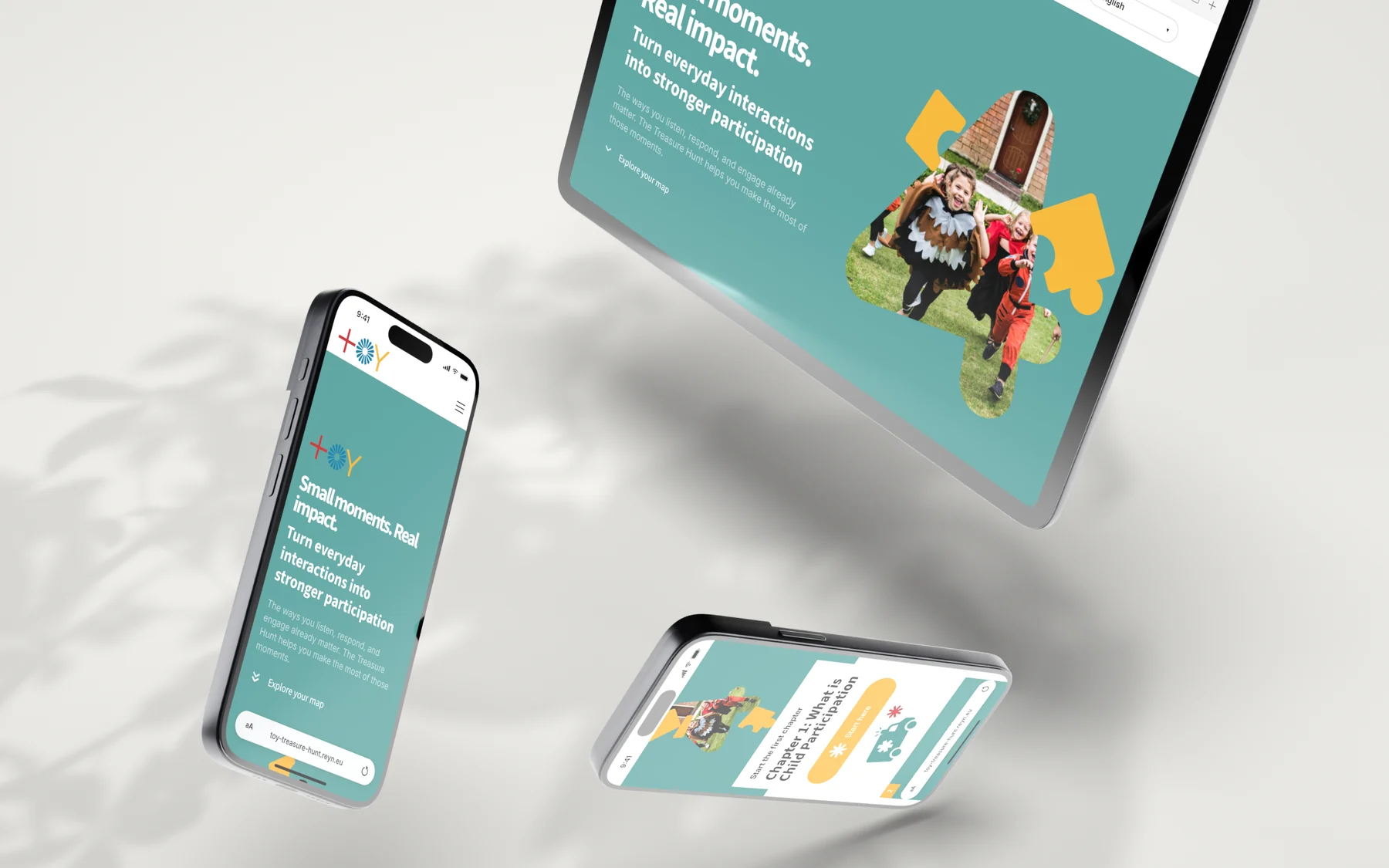 TOY4Participation: from brand to online quest
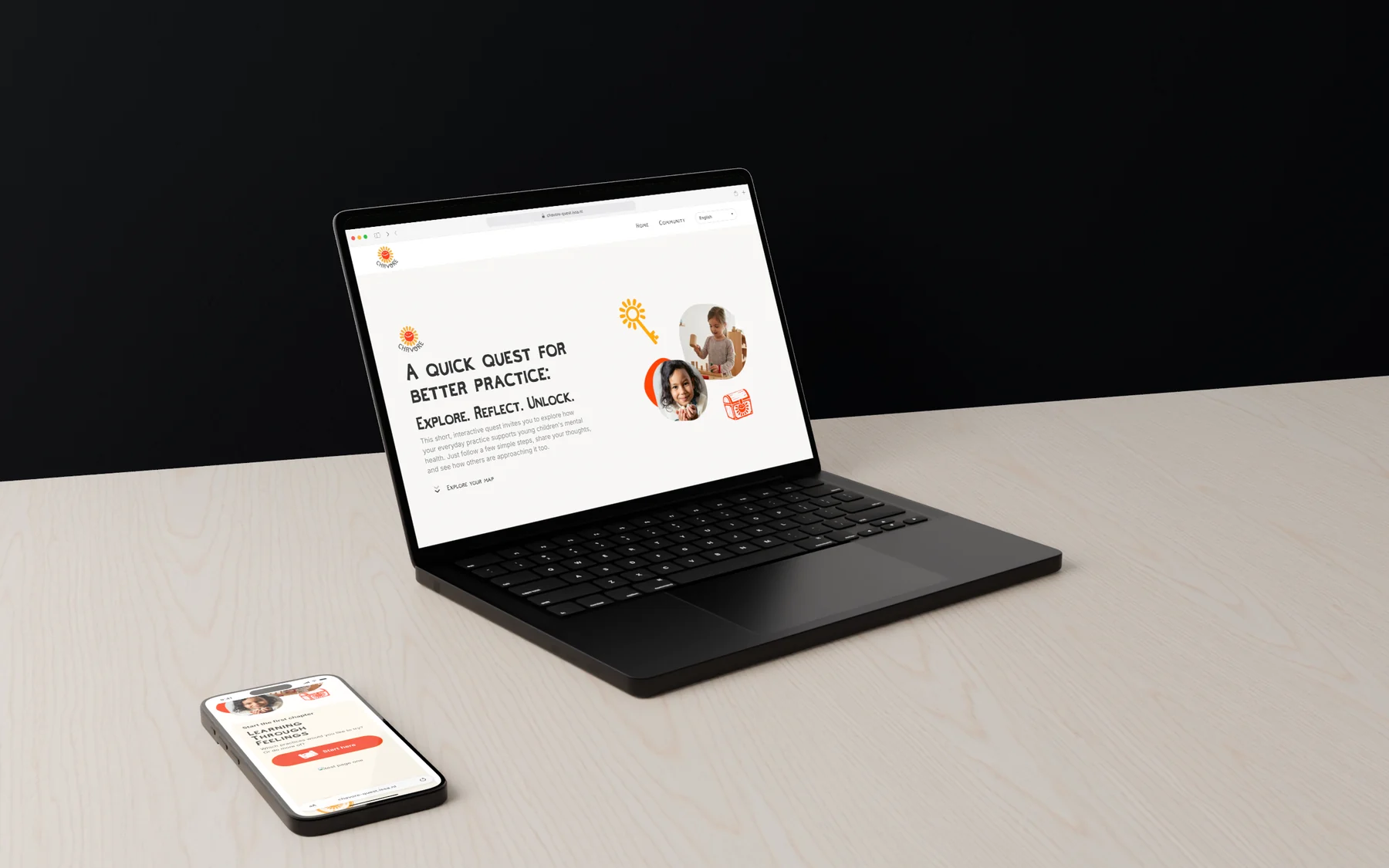 CHAVORE: a treasure hunt about young children's well-being
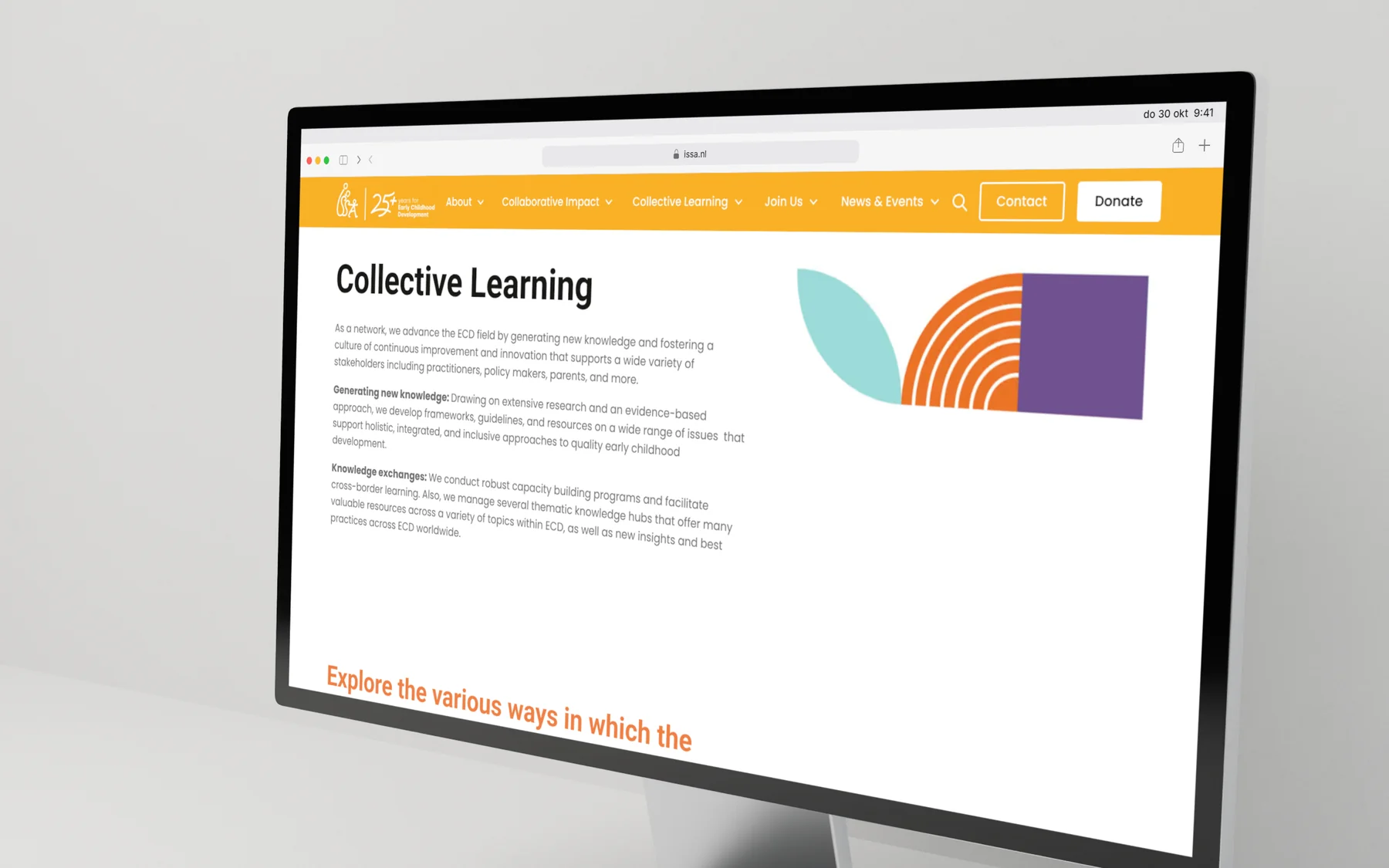
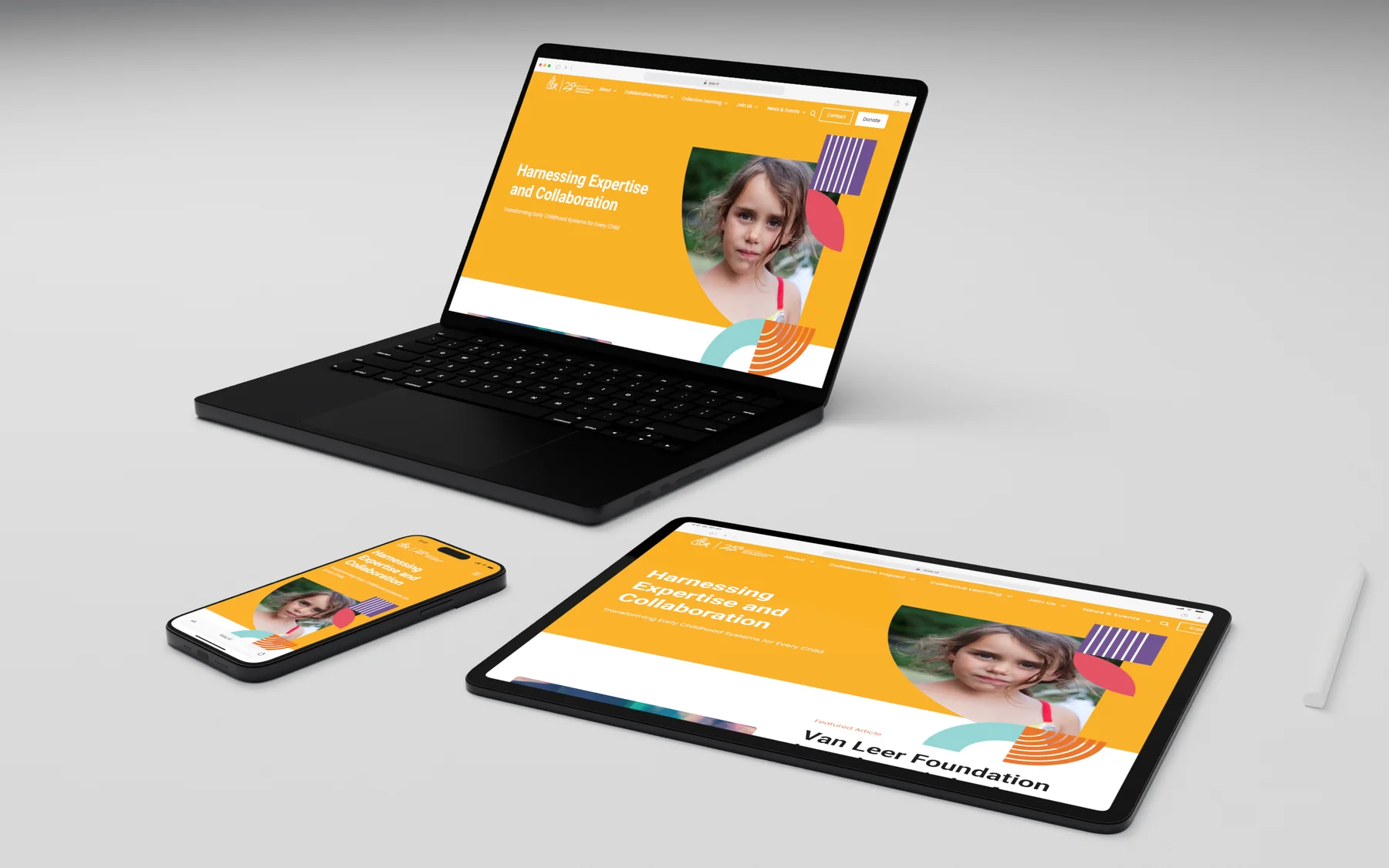 ISSA: one website for an international network
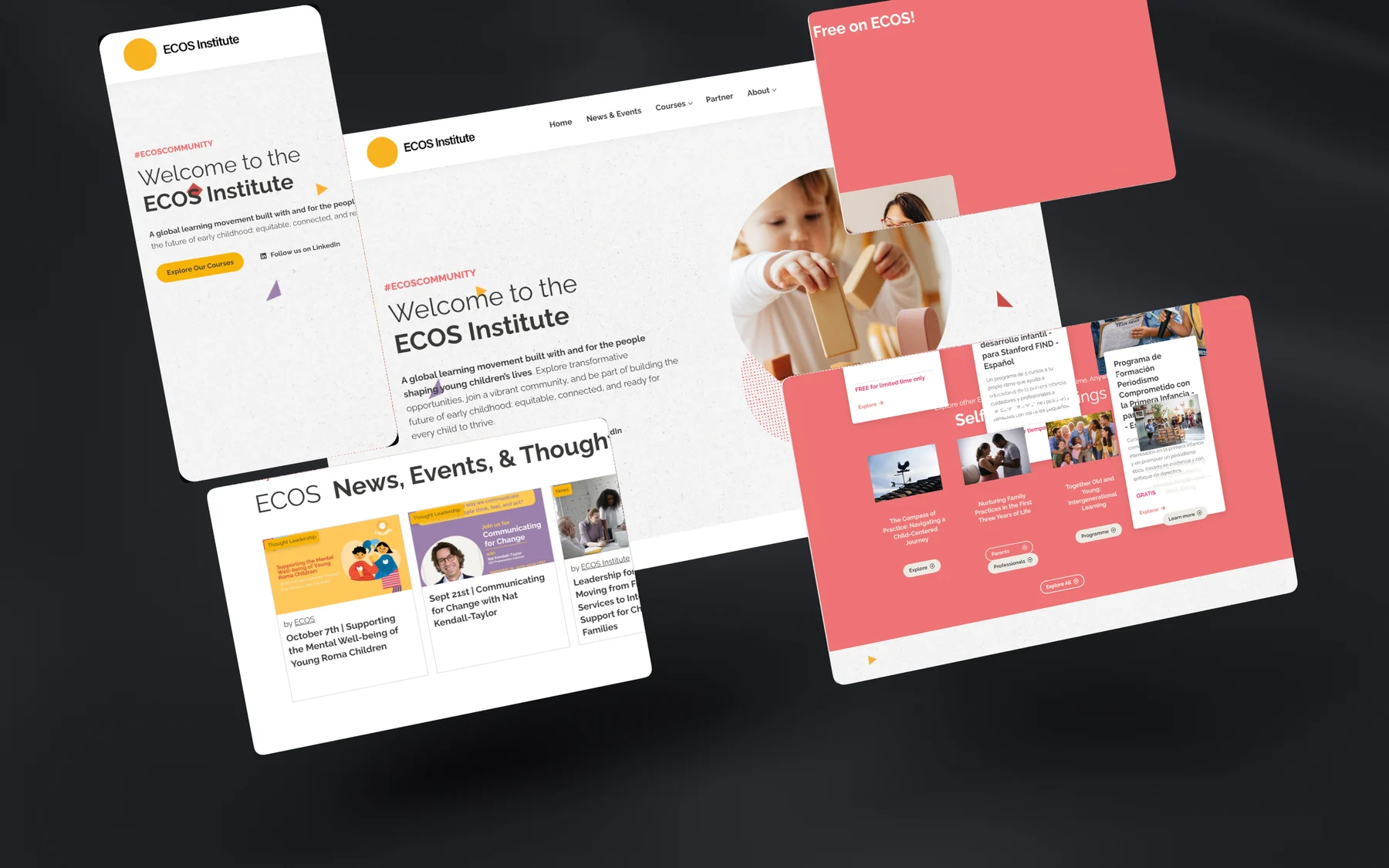 ECOS Collaboratives: one brand, many collaborations
 OUTPLAY: one brand for outdoor play across Europe
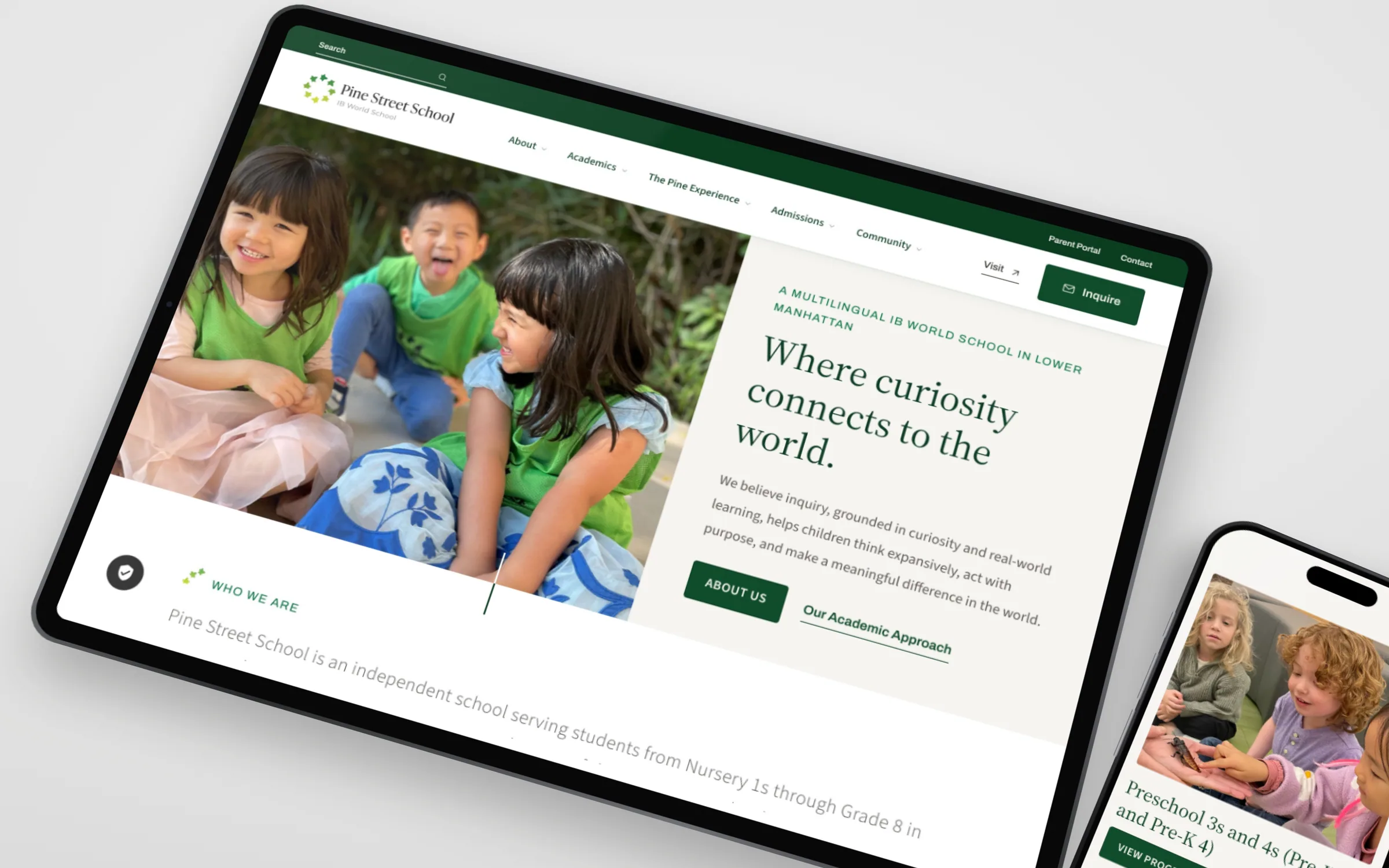 From Nistelrode to Lower Manhattan: two school websites
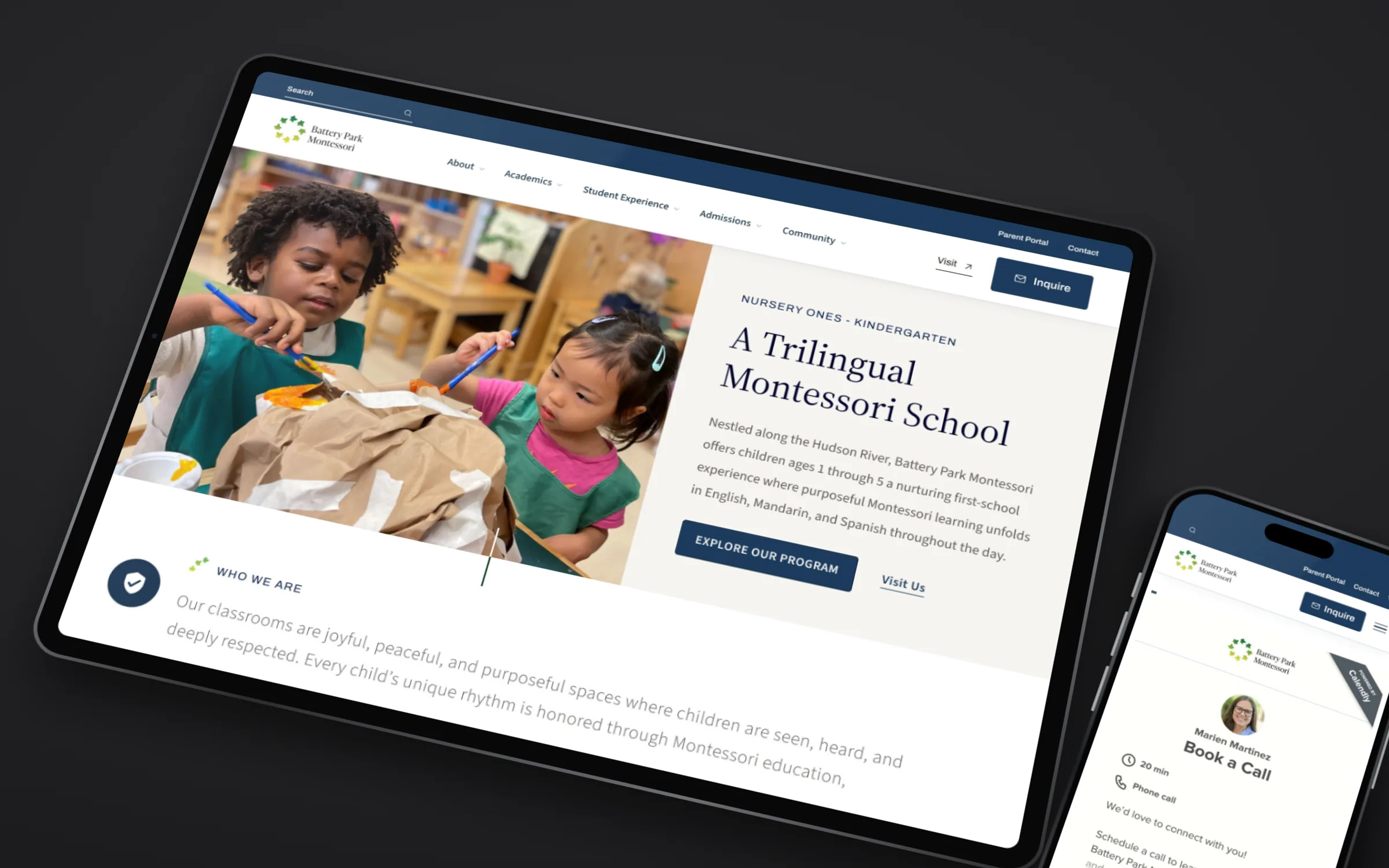 Battery Park Montessori: a school site with structure
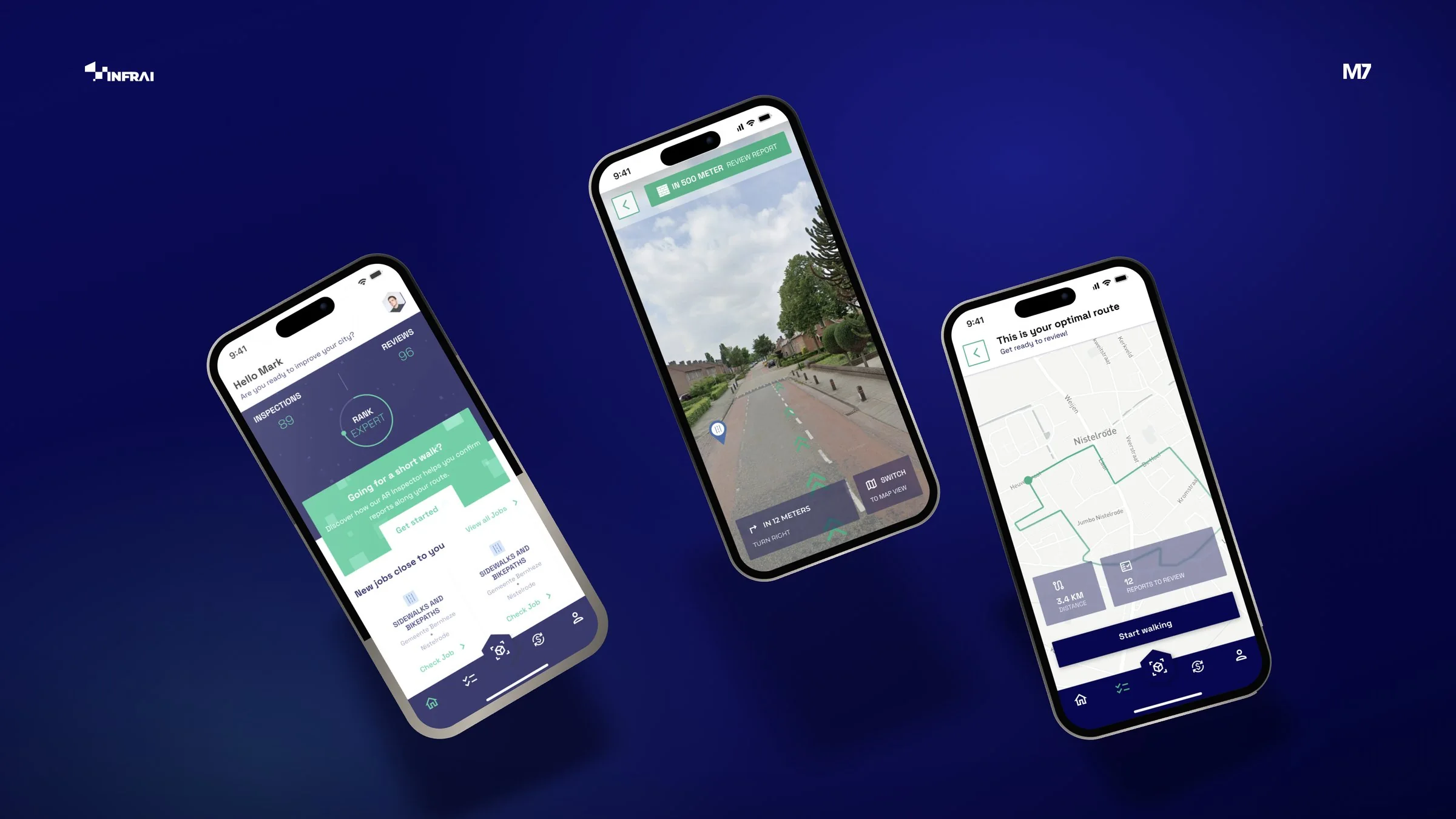
 Urban planning made tangible and interactive
Relevant services
How we help
Frequently asked questions
Frequently asked
Can teachers and staff update the school website themselves?
Yes. We build in WordPress or Webflow with a clear back end, so news, calendar items and documents can be posted without technical knowledge. We also walk you through it, over coffee.
Do you also build e-learning platforms?
Yes. From a learning environment with modules, progress tracking and certificates to a platform where you sell courses. We first check whether an existing system will do. If not, we build it custom.
How do you handle privacy and photos of pupils?
Carefully. We only use images for which consent has been given, build forms and platforms in line with the GDPR and collect no more data than necessary.
Do you help with recruitment for open days?
Yes. We create campaigns, landing pages and social video around open days and taster days, with a sign-up form and automatic reminders.
Do you also work for childcare, music schools and driving schools?
Definitely. For smaller lesson schools and childcare locations the focus is often on getting found locally and making it easy to book a trial lesson or tour.
For primary schools, secondary schools, special education schools and school boards or education foundations with several schools under one roof. Everything for schools & school boards
What should a good school website include?
Look through the eyes of a parent choosing between three schools. They want to see what your school feels like, what you do differently, how school hours and childcare are arranged and how to book a tour. Current parents mainly look for the calendar, the holidays and the sick-note form. Give both groups their own route. We build a school website the team updates itself, with a calendar and news that do not grind to a halt after three months.
How do you make a school website accessible?
By including it in design and build from the start. Think of enough colour contrast, texts in plain language, buttons that work with a keyboard and alt texts on photos. PDFs such as the prospectus also need to be readable by a screen reader. Many parents read your site on a phone or in a second language, so simplicity helps everyone. We work to the WCAG guidelines and deliver a design you can keep building on later.
How do you approach a visual identity for a school board with several schools?
Often with a family approach: one recognisable base for the board, with room for colour, name and imagery per school. Each school stays itself, while parents and staff see they belong to the same foundation. It also saves money, because templates for letters, presentations and social media only need to be made once. In a brand book we record how it all works, so it still holds up in a few years.
How do you attract more enrolments for reception or first year?
Start early and go where parents are. Parents of toddlers often look around well in advance, parents of children in their final primary year mainly around the winter open days. A short film, social posts with real classroom moments and local ads around the open day work well. Send everything to one landing page where parents can book a tour straight away. With consent for using images properly arranged, of course.
How does a school find new teachers through its website?
By showing what it is like to work with you, not just which vacancies are open. A teacher wants to know what the team is like, how you support new colleagues, how big the classes are and what makes the school special. Let colleagues talk about that themselves, in text or a short video. With employer branding and a clear careers page on the board's website you also attract career changers and recent graduates.
Is WordPress or Webflow better for a school website?
That depends on what you need. WordPress is familiar to many staff and has lots of extensions, for example for forms or a calendar, but needs regular maintenance. Webflow is clean and fast, needs little technical maintenance and the back end is easy for non-technical people too. We look together at the number of schools, who updates the site and which integrations are needed, and then give honest advice.
How do you keep a school website up to date without extra work?
Make clear agreements and limit the number of places where information lives. Appoint someone per section, such as news, calendar and vacancies, and keep fixed details like holidays and school hours in one place, so they are correct everywhere automatically. Use the parent app you already have for daily news to parents, and keep the website for what new parents want to know. With hosting and maintenance we make sure the technology keeps up.
For vocational colleges, universities of applied sciences, trade schools and private academies that recruit students, present programmes clearly and want to be visible in their region. Everything for vocational & higher education
How do you reach school leavers looking for a programme?
Not with a brochure, but through their own channels. School leavers look around on TikTok, Instagram and YouTube, and increasingly ask ChatGPT. Short videos in which real students talk about what they do work better than polished advertising. Run campaigns around open days and the application period, and link to a page per programme. With TikTok Ads and social video we create content students do not swipe away straight away.
How do you create programme pages that rank well in Google?
Write from the questions of the student and their parents: what do you learn, what does a week look like, what jobs can it lead to and what are the entry requirements? Use the words they use, such as 'vocational nursing course', instead of an internal programme name. Make sure each page is technically sound, with structured data about the programme. With SEO content and structured data you get found in Google and in the answers of AI assistants.
Can a study choice quiz help with recruitment?
Yes, if it is honest. A study choice quiz with questions about interests, strengths and how someone likes to learn helps people who are unsure and shows the programmes that genuinely fit. The result links straight to the programme page and the open day. Students also share a quiz like that with friends, which adds reach. And you learn which programmes are popular and what questions students have.
How do you keep applicants engaged between open day and the start?
With contact at the right moments. After the open day a thank-you email with the next step, before the intake a reminder with practical info, and in summer a few messages that make them feel welcome. That reduces the chance of someone dropping out at the last minute. We set up those flows with email marketing and, where possible, connect them to your enrolment system. Personal, without anyone having to send it all by hand.
How do you reach working people who want to retrain or upskill?
Differently from school leavers. Working people search in a targeted way, often in the evening, for terms like 'part-time course' or 'retrain for healthcare', and want to know quickly how much time it takes, when classes are and whether it can be combined with work. Give part-time and short programmes their own pages with those answers. With Google Ads and SEO content you catch those searches, with LinkedIn Ads you reach professionals by job title and region.
Can an AI chatbot answer questions from prospective students?
Yes, for the questions that keep coming back. An AI chatbot that answers from your own programme information helps students and parents when the information desk is closed. Scope clearly what it does and does not cover, have it refer on when in doubt and do not ask for personal data you do not need. Check the answers regularly, especially around application deadlines. That way your advisers keep time for the conversations that matter.
How does a private academy stand out next to large universities?
By being specific about what you do differently. Small groups, lecturers from the field, a flexible timetable or a programme that does not exist in this form anywhere else: say it concretely and show it. Experiences from alumni and images of real lessons convince more than general promises. With a clear brand strategy and SEO content per programme you get found by exactly the people looking for something other than the standard offer.
For training institutes, corporate trainers, e-learning providers, language schools and sports federations that train coaches and officials, online or in a mix of classroom and screen. Everything for training & e-learning
Should I have an e-learning platform built or use an existing system?
That depends on what you want. For a few courses with video and a test, an existing learning platform is often fine, and quicker to launch. If you want to sell courses under your own brand, with subscriptions, links to your CRM or a learning path that genuinely works differently, custom development becomes interesting. We compare the options honestly. If we decide to build, we start with an MVP so you learn from real learners quickly.
How do you make sure learners actually finish an online course?
With short lessons, clear progress and the occasional nudge. Nobody enjoys watching an hour-long webinar recording. Work with blocks of a few minutes, a progress bar and a certificate at the end. Reminders by email or push notification when someone has done nothing for a week also help. The UX/UI of the platform is often the difference between a course that gets finished and a login that gets forgotten.
Can a sports federation train coaches and referees online?
Yes, and it works well because many volunteers do it alongside their jobs. In a digital learning environment they follow the theory with video and assignments, and keep track of the practical parts and refresher courses they have done. The federation sees each member's progress and which licences are about to expire. We build that kind of environment as a member portal and connect it to the membership database where possible. That way a coach does not have to juggle three logins.
How do you get found as a training provider for 'course' plus your field?
With a page per course that is more than a date and a price. Searchers want to know what they will learn, who it is for, how long it takes, whether it is accredited and what previous participants thought. Write that out and make sure the page is technically sound. With SEO you get found for searches like 'leadership course' or 'online HR training'. Google Ads helps you stay extra visible in busy periods, such as around September and January.
How do you turn a classroom training into a good online course?
Not by recording the training and putting it online. Cut the material into short blocks, alternate explanation with assignments and a short test, and save the practising for a live session or practical day. An animation often makes a difficult topic clear faster than an hour of talking. Test the first module with a few learners and improve it afterwards. In a well-designed learning environment a learner always knows where they are and what the next step is.
How do you sell in-company training to businesses?
With trust and a tailored approach. An HR manager wants to know how you adapt a programme to the organisation, who the trainers are, how it works in practice and how you measure whether it delivered anything. Put that on a clear page, with a brochure to download and a polished presentation for the meeting. With LinkedIn Ads you reach the right job titles, with lead nurturing you stay in view until the budget is there.
Can AI help with creating course material?
Yes, as a tool. AI can create a first version of test questions, summaries, practice cases, subtitles or a translation, after which a trainer who knows the subject checks and sharpens it. Watch out for copyright and do not put learners' personal data into tools you do not trust. Start with one module and see how much time it really saves. In an AI workshop your team learns how to use AI for content responsibly.
For day nurseries, out-of-school care, preschool playgroups and childminding agencies that want to show parents how their child spends the day, and that are looking for childcare staff. Everything for childcare
How do parents choose childcare, and what does that mean for your website?
Parents choose with their gut, backed by practical matters. They want to see what a group looks like, who the staff are, what the opening hours and costs are and whether there is a place. Put that information clearly on the site per location, with atmospheric photos and an obvious button to book a tour. With a booking widget parents choose a time themselves. And do not forget to explain the childcare allowance, because nearly everyone asks about it.
How do you find childcare staff through your website and social media?
By showing what the job is really like. A vacancy text full of 'enthusiastic team player' says little. Short videos or photos of colleagues, an honest description of a working day, schedules and growth opportunities say far more. Build a careers page where applying takes a few minutes, without a mandatory CV if you do not need one. With employer branding and targeted Meta Ads around your locations you also reach people who are not actively looking.
Can you put photos of children on your website and social media?
Only with the parents' consent, which you ask for in advance and per purpose. That is why many childcare organisations use images in which children cannot be recognised: little hands in paint, a back by the sandpit, the room itself. That can be very atmospheric. For campaigns you can do a photo shoot with children whose parents explicitly agree to take part. We help you with a content strategy that works without compromising privacy.
What does a website for a childcare organisation cost?
That mainly depends on the number of locations, the features and the integrations. A compact site for one location is different from a site with ten locations, a waiting list and a link to your planning system. After a short introduction you get a clear quote, so you know where you stand in advance. A compact website is typically online in 4 to 6 weeks, a more extensive site with integrations takes longer.
How do you show parents what a day in the group is like?
With visuals and a few honest details. A short film of the rooms and the daily rhythm, photos of the outdoor play area and an introduction to the team say more than a pedagogical policy plan. Explain in plain language how a day goes, how settling in works and how you keep parents informed. The policy plan simply goes alongside, for those who want to read it.
How do you deal with a waiting list on your website?
Honestly and clearly. Show per location and group whether there is a place, or how the waiting list looks, so parents do not call for nothing. Keep registering easy anyway and explain what happens next. With an automated flow parents receive a confirmation and a message as soon as something changes. Point to other locations nearby too, if you have them.
For music schools, dance schools, driving schools, tutoring centres and swimming schools that mainly work locally and want new pupils to book a trial lesson easily. Everything for music, dance & driving
How does a driving school get more pupils online?
By showing what a pupil wants to know: what does it cost in total, how soon can I start and how does the test work? Put packages clearly on your site, with an honest explanation of how many lessons most pupils need. Reviews from pupils who passed do a lot. And because everyone searches for 'driving school' plus their town, local SEO is essential. A trial lesson button keeps the first step small.
How do you fill the classes of a music or dance school?
With a trial lesson that is easy to book and content that shows how much fun it is. Parents and adult pupils want to know which classes there are, on which days, for which age and what it costs. A clear timetable with a trial lesson button does more than a long text. Short videos of classes and performances work well on Instagram and TikTok. Around the start of the season and in January, local ads help fill the last places.
Can I handle enrolments and payments for lessons online?
Yes. Pupils choose a type of lesson, day and time, enrol and pay straight away, monthly by direct debit or with a lesson card. You get an overview per group and no longer have to keep spreadsheets. Often this works with an existing system that we neatly build into your website. Sometimes a custom booking widget or an integration is more practical. We choose what suits the size of your school.
How do you turn a trial lesson into a regular pupil?
By following up right after the trial lesson. Send a short, personal email the same day with how it went, which package or group fits and how to enrol. A reminder a few days later helps anyone still in doubt. With email marketing and a booking widget linked together, that happens automatically while it still feels personal. Also ask what is holding someone back; you learn a lot from that.
What should a swimming school or tutoring centre have on its website?
Answers to the questions parents would otherwise call about. For a swimming school that means the certificates, the waiting time, lesson times per pool and what it costs. For tutoring it is about subjects and levels, how support works, who the tutors are and how you track progress. Put that clearly on a website with an obvious button to enrol or book an intake. Reviews from parents do the rest.
Does a small lesson school need its own visual identity?
You do not need a thick brand book, but you do need a recognisable face. A good logo, a few fixed colours and fonts and templates for social posts and the timetable are often enough. Make sure it is the same everywhere: on the lesson car, the sign by the door, your website and Instagram. That is how people remember you, which is exactly what you want in an area with three driving or dance schools. A compact visual identity easily grows with you later.
Who we work for
From independents to market leaders
- Primary schools
- Secondary schools
- Special education schools
- School boards and education foundations
- International schools
- Vocational colleges (MBO)
- Universities of applied sciences
- Trade schools
- Private colleges and academies
- Training institutes
- E-learning providers
- Corporate training providers
- Language schools
- Sports federations (education)
- Day nurseries
- Out-of-school care
- Preschool playgroups
- Childminding agencies
- Music schools
- Dance schools
- Driving schools
- Tutoring centres
- Homework support centres
- Swimming schools
Today may be the day to meet your strategic partner.




 Martijn, Noud and the rest of the team are ready for you.